Repair intake in minutes, with nothing left out
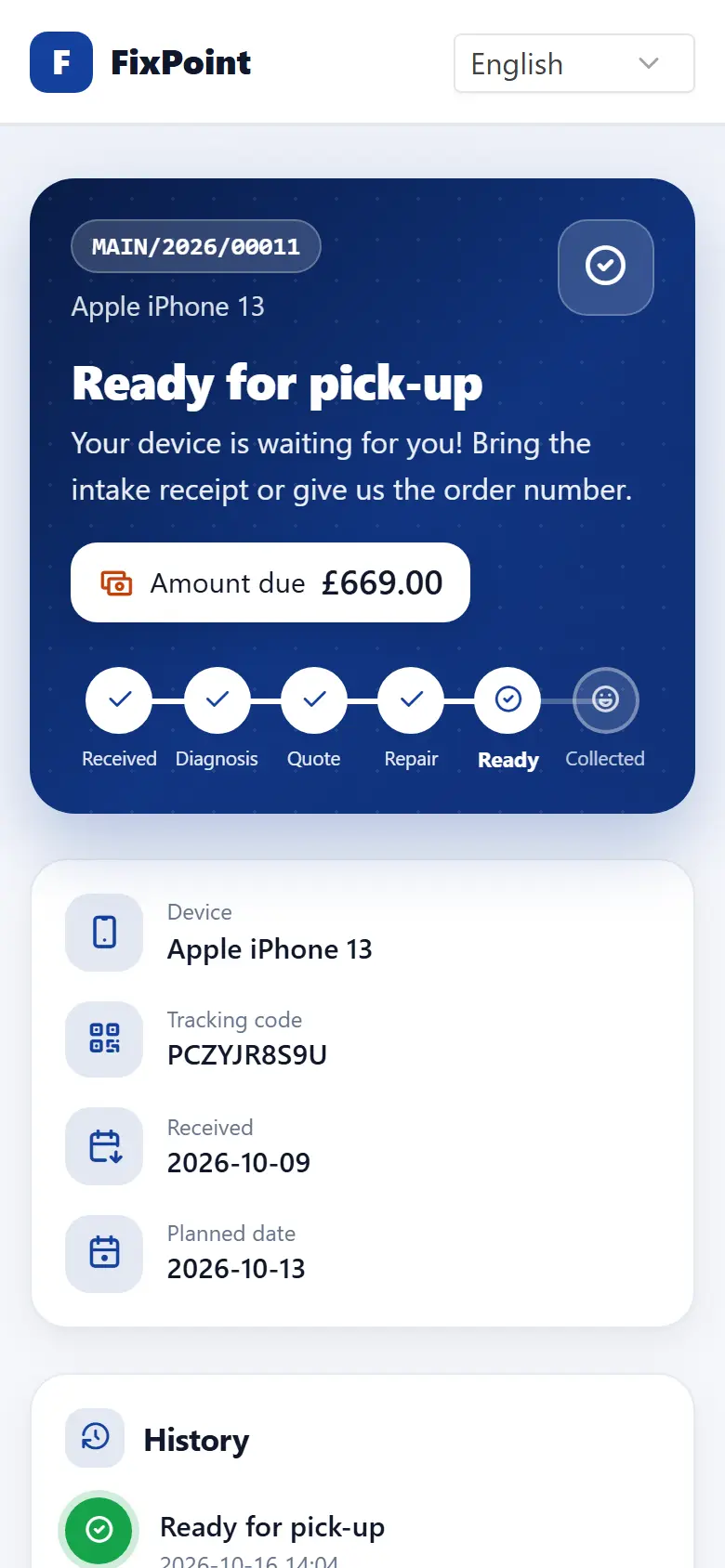
The wizard guides staff step by step and prints a receipt with a tracking code straight away. Every order has a complete record from the very first minute.
- A 6-step wizard
- Photos from a phone
- Receipt with a tracking code
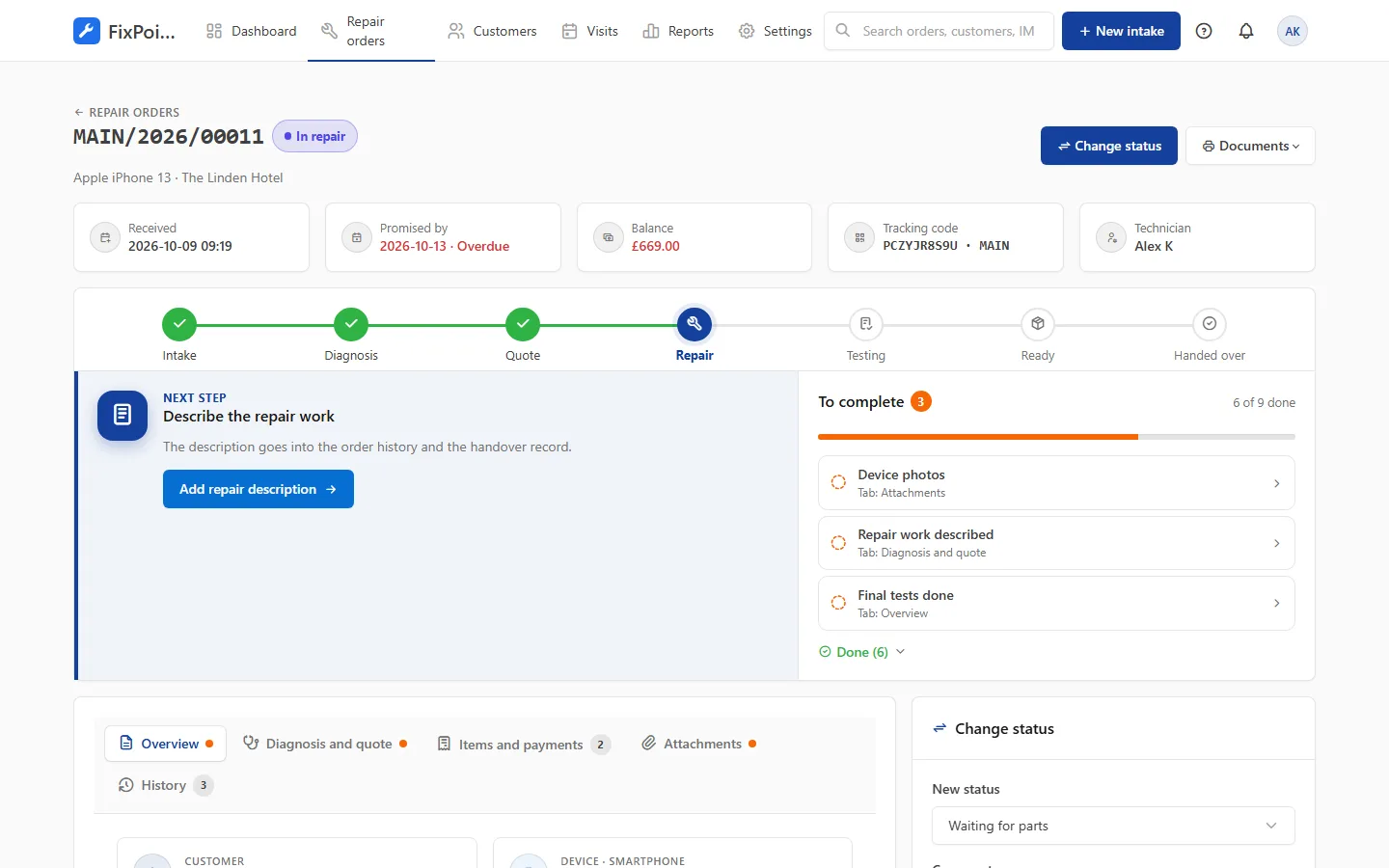
What you record at intake
No duplicate customers
Search by name, phone or email; phone numbers with a country code.
IMEI and serial number
Category-specific fields — for phones the last IMEI digits are enough.
Condition checklist
OK / not OK for each point with notes, agreed with the customer at the counter.
Device photos
Photos from the tablet or phone camera — also via a QR code from another device.
Lock code
PIN, password or pattern stored encrypted.
Intake receipt
A printout with terms and the tracking code, plus a label for the device.
Frequently asked questions
How long does a device intake take?
Usually 2–3 minutes. The wizard suggests fields for the category and won’t let you skip required information.
Can I add photos with a phone?
Yes. Take them with the tablet camera, or scan a QR code with a phone and the photos go straight to the order.
Can I take a deposit at intake?
Yes. The deposit and cost limit are part of the wizard and appear on the intake receipt.
Get your repair shop organised today
Create an account, go through a short setup wizard and take in your first device within minutes. No installation needed.